
Mercedes-Benz · COMAND / Audio 20 / Audio 50
Mercedes Anti-Theft Code: get your PIN online
Need an anti-theft code for your Mercedes head unit? Enter the unit’s serial number to order your PIN online.
Diagnostic tools are needed to apply the PIN
The PIN is applied using Xentry, Vediamo or DTS with a suitable OBD interface. You will need these tools or a Mercedes specialist who can apply the code for you.
Get Radio Code
Mercedes head unit code: what is the Anti-Theft PIN?
It is the security PIN for a supported Mercedes headunit, including compatible COMAND and Audio systems. It may be needed when fitting a used unit from another vehicle. Older radios that display CODE use a different procedure, with a code entered using the radio buttons.
Need a code for an older Mercedes radio?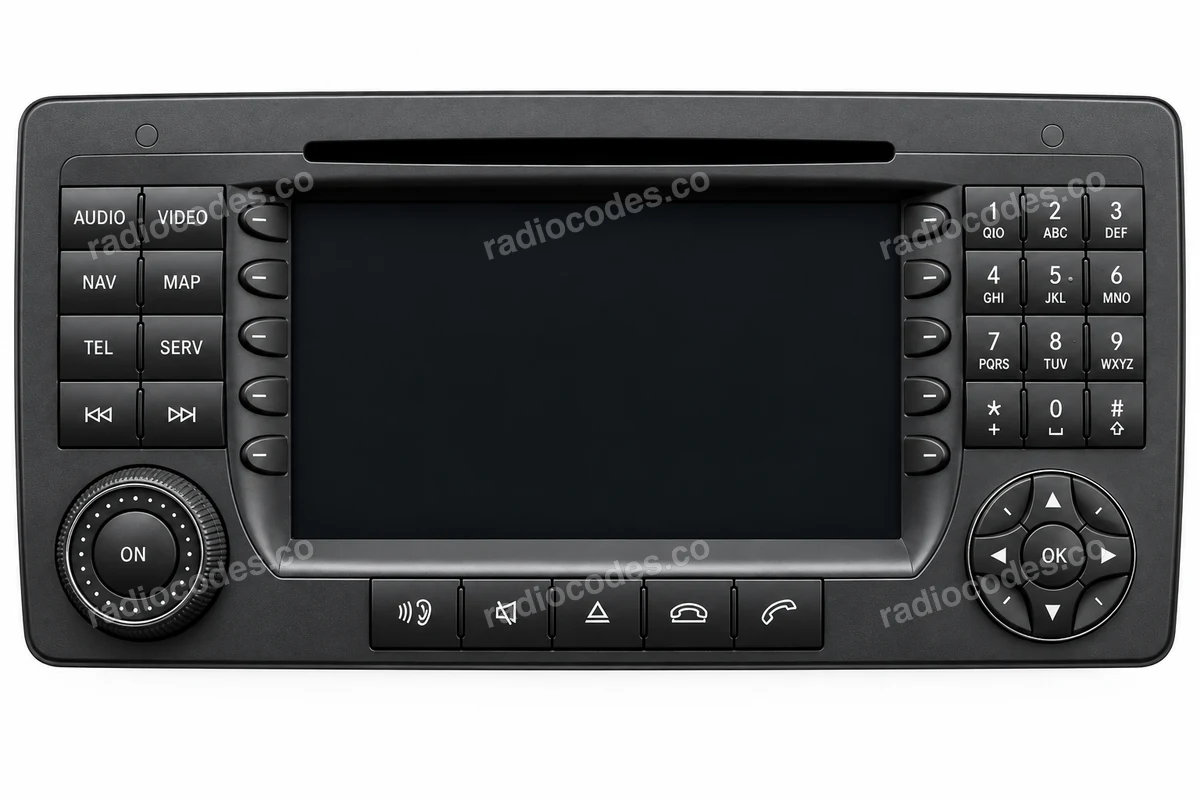
Where can I find the radio serial number?
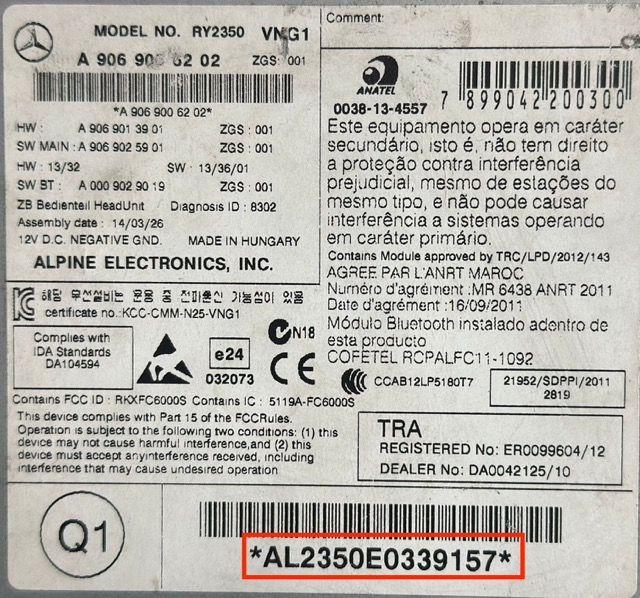
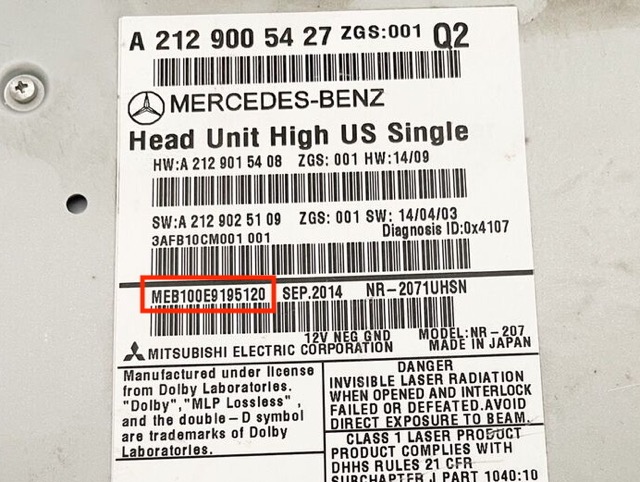
On the unit’s label
Read the serial number from the label on the radio casing, often on top of the unit. You may need to remove the radio to reach it. The red boxes in the examples below mark the correct field.
Through the OBD port
You can also read the serial number from the head unit’s identification data in Xentry using a suitable diagnostic interface. Use the unit’s serial number, not the vehicle VIN or part number.
Check your serial number format
- A 14-character serial number may start with AL, BE, GA, HB, HM, ME, PA, VT. Enter every letter and digit, without spaces or the asterisks printed around the number.
- The 15-character format is also supported: 4 digits, 2 letters and 9 more characters, for example 9013IP0A1062675.
- If the label shows BE9013 and A1062675 separately, enter them together as BE9013A1062675. Keep the BE prefix. Do not change it to HB in our form.
The prefix alone does not confirm compatibility. The form checks the full number. If it is not accepted, check the letters, digits and label field again.
How to get and apply your code
Find the unit’s serial number
Read the full serial number from the label or diagnostic data. If the radio has been replaced, use the number of the unit now fitted.
Order your PIN online
Enter the number in the form. Check the details in the order summary, then pay for your order. Your code will arrive by email.
Apply the PIN with diagnostic tools
Use Xentry, Vediamo or DTS with a suitable OBD interface, or give the PIN to your workshop. Any further configuration depends on the unit and vehicle.
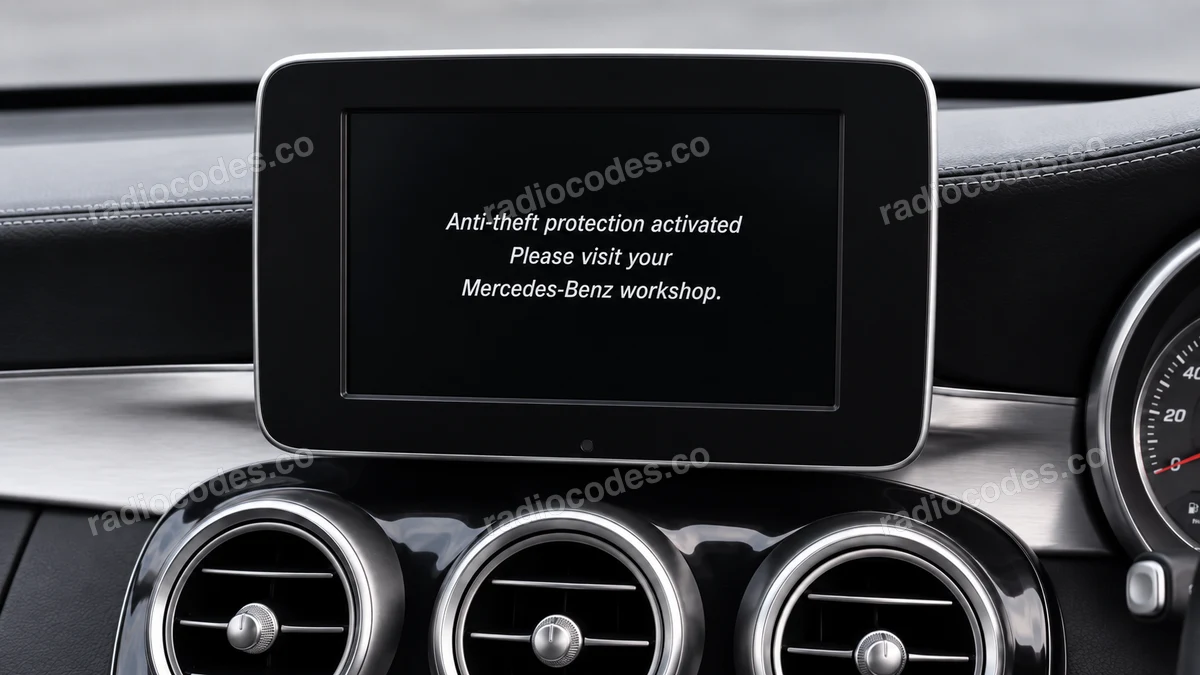
“Anti-theft protection activated” on the display
This message does not always mean you need a PIN. If it appears on your existing radio, especially after a power supply problem, have the cause diagnosed first. A communication or software fault may need a repair rather than a new code.
Mercedes technical bulletin: an example of a COMAND faultMercedes anti-theft code questions
Got your serial number?
Order the code for your unit. Trusted by over 47,000 drivers. If the code supplied does not work with the radio serial number in your order, we guarantee a full refund.
Get Radio Code