
Jaguar radio codes
Get your Jaguar radio code online in 3 minutes and enjoy your favourite music again — no dealer visit required.
Get Radio Code
Example radio identifiers: Jaguar
Compare the format of your number. Enter the details from your own radio in the form, not these examples. Where can I find my radio’s serial number?
Visteon
M328991
M086419
Jaguar Alpine
JACC5580936821
JACN2070522611
JATT4010414952
Find your Jaguar radio serial
Choose the radio that looks like yours. See where to find its serial and how to enter the code.
Example serial
JACC5580936821
The serials shown are examples. Enter the serial from your own radio.
Alpine / touchscreen
- Switch the radio off and access its casing. An integrated centre-console unit needs its trim and mounting screws removed following the vehicle instructions.
- Find the serial engraved into the metal, often below the label or underneath the radio. It starts with JA, such as JAC or JAL.
- Enter the full serial, including letters. Spaces are optional. The part number on the sticker is not the serial.
How do I enter the code?
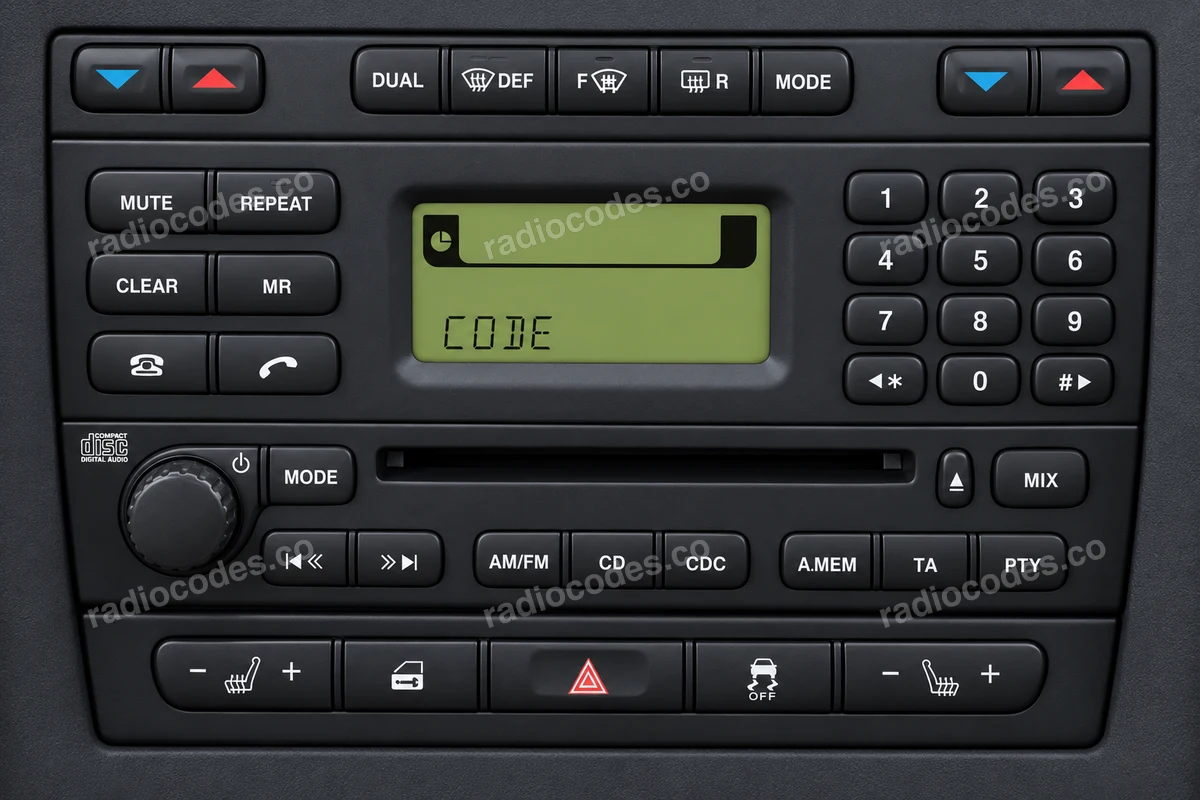
At CODE, enter each digit directly using the numbered buttons. On an Enter System PIN touchscreen, enter the code and tap Enter. Do not use the repeated-preset method for Visteon radios here.
Models and variants
Compare the panel and label. The same car model can have different radios.
S-Type, X-Type, XJ, XK, XK8
Visteon Premium Sound
- Switch the radio on. Hold buttons 1 and 6 together to try displaying the serial.
- If it does not appear, switch the radio off and slide it out. Find SERIAL NO. on its label. Leave out the factory letters before M, such as PJY.
- Copy M and all 6 digits, including leading zeros.
How do I enter the code?
Switch the radio on. At CODE, press buttons 1, 2, 3 and 4 repeatedly to set each of the four digits. Check the code, then press button 5 to confirm.
Models and variants
Compare the panel and label. The same car model can have different radios.
9000 EUROPE PREMIUM, 9000 PREMIUM SOUND
Radio code questions
Quick facts for Jaguar owners
Instantly
Denso, Visteon, Alpine, and Harman
InControl Touch, InControl Touch Pro, Pivi, and Pivi Pro
How it works
Recover the code for your Jaguar radio in three simple steps.
Prepare your radio details
Follow the guide for your radio to find the serial number, VIN or other details requested in the form.
Order your radio code
Enter the required details and your email address. Check your information, then pay securely online.
Receive your code by email
Your code arrives in your inbox. Follow the instructions for your radio to use it and get your music back.
Select your Jaguar model
Choose your Jaguar model to get your radio code. We'll show you which details you need.
Jaguar radio models by part number
Find your exact Jaguar radio model or part number to see its serial number format and get the radio code.