
BMW X5 radio code
Get your original BMW X5 radio code online in 3 minutes. Receive your code by email — no dealer visit required.
Get Radio Code
Example radio identifiers: BMW
Compare the format of your number. Enter the details from your own radio in the form, not these examples. Where can I find my radio’s serial number?
Blaupunkt · BP
BP723346696293
BP9455A6381907
Philips (Business RDS)
PH7850W1234567
PH7850W7041936
Becker
2210AH0W1507123
7969K9068317402
6526B071839462
Becker
68317402
Radio model (Model No.): BE7969
Where is my BMW radio serial number?
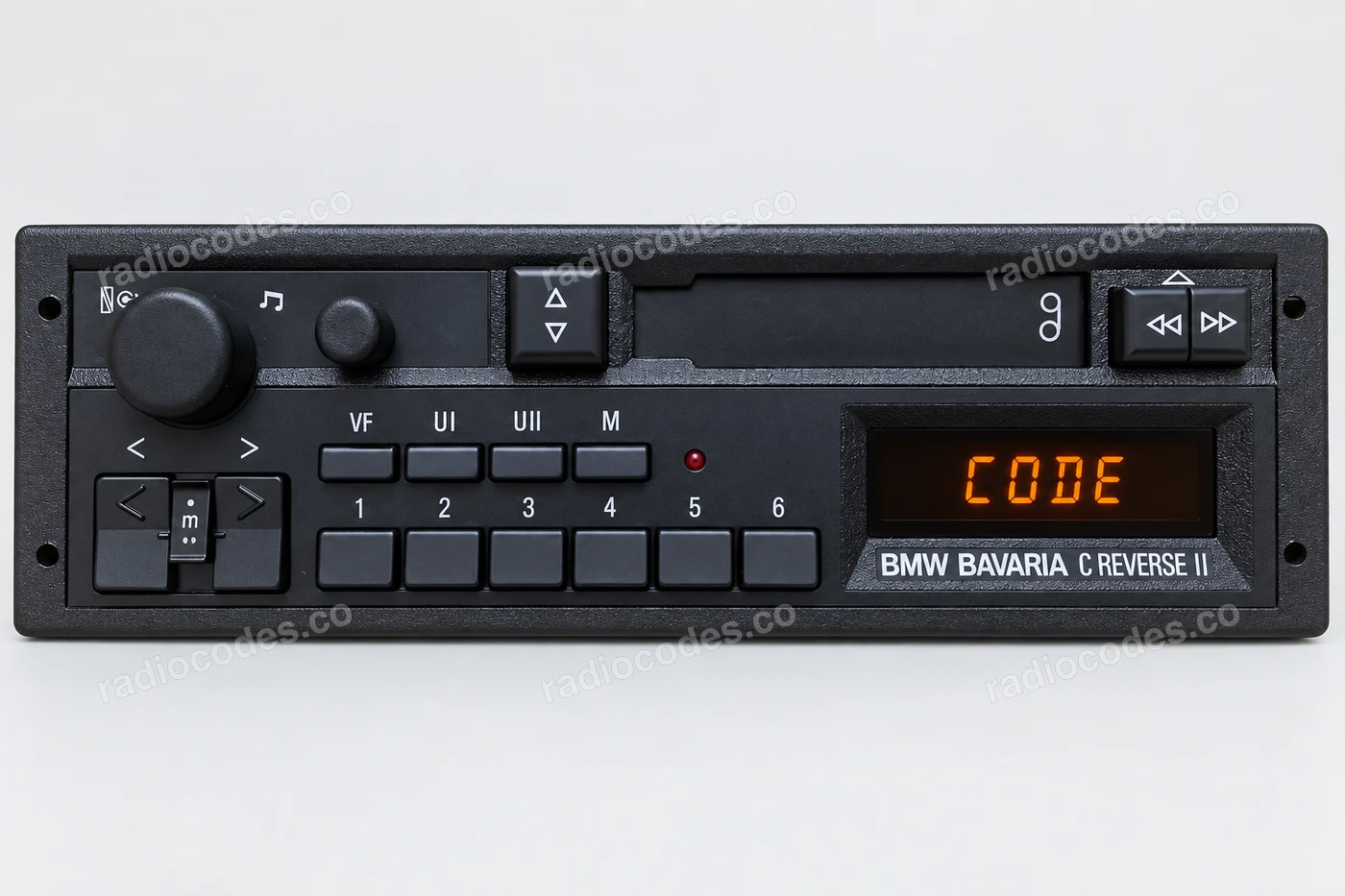
Choose a radio that looks like yours. Its label photos are below the front view.
Label layouts vary between radio versions.
Blaupunkt
- Switch off the radio. Expose its fixings and slide it out following the instructions for your car, until you can see the label or side of the casing.
- Find the full number starting with BP. It may be stamped into the metal or printed above a barcode.
- Enter the BP number in the form. The separate number starting with 7 is a part number, not the serial.
If the label shows separate number fragments, check the full number stamped into the casing. Do not assemble it from unrelated fields.
Philips
- Switch off the radio and slide it out far enough to read the label on its casing.
- Find the number starting with PH, such as PH7850… Keep the letter after the model digits and every digit that follows.
- Enter the full PH number in the form. The BMW number starting with 65.12 is a part number.
Becker
- Switch off the radio and expose the label on its casing. Find the BE model number and barcode.
- Copy the complete string below the barcode, including the first four model digits and all letters. Leave out the asterisks at either end.
- Enter the full string in the form. You can also enter Serial No. and Model No. separately, e.g. 68317402 and BE7969.
Business CD43
- Switch off the radio. Uncover its fixings and carefully slide it out until you can see the label or the number stamped into the metal.
- Read the full BP serial, e.g. BP8272W6831947. The label photo also shows W 6831947, a shortened serial that is not enough on its own.
- Enter the full BP serial in the form. Keep the letter after the model digits and all remaining digits.
The service menu may only show a short SN. Use the full BP serial from the casing, shown in the label photo.
Keep every letter and zero. The numbers in these photos are examples; use the number from your own radio.
BMW radio code questions
How it works
Follow these steps to get the radio code for your BMW X5 without visiting a dealer or workshop.
Find the serial number
Remove the radio or open the diagnostic menu to note the serial number (look for numbers such as BP723346696293, PH7850W1234567, and 2210AH0W1507123). Clear photos help us validate it.
Order your BMW code
Enter your radio details and the email address where you'd like to receive your code.
Receive and enter the code
You'll receive your code by email. Enter it into your radio and get back to enjoying music on the road.
Quick facts for BMW X5 owners
Instantly
Blaupunkt, Alpine, Harman, Continental, and Bosch
iDrive, Professional, Business, Bavaria, and Professional Navigation
2000-2024
Before ordering a BMW X5 radio code
Required information
For a BMW X5, prepare the radio serial number, part number, VIN, or a clear label photo if the form asks for it. Serial numbers often look like BP723346696293, PH7850W1234567, and 2210AH0W1507123.
What helps us find the right code
You can still order a code if your BMW X5 radio has been replaced, has unusual markings or a hard-to-read label, or shows a lockout message. Clear photos and accurate details help us find the right code for you.
Why a code may fail
The most common causes are an incorrect serial number, a mismatched VIN, entering the code during a temporary lockout, or using it on a different radio from the one listed in your order.
Fast delivery and help with your code
We deliver codes for supported radio models instantly. If your code doesn't work on the radio listed in your order, report the issue using the form. We'll check the details and help you work out what's wrong.
BMW radio models by part number
Find your exact BMW radio model or part number to see its serial number format and get the radio code.