
Maserati 8.4 TOUCH SCREEN VP4 EU radio code
Get your original Maserati 8.4 TOUCH SCREEN VP4 EU radio code (HARMAN) online in 3 minutes. Receive your code by email — no dealer visit required.
Maserati 8.4 TOUCH SCREEN VP4 EU serial number format
T00BE123456789
- Serial number length: 14 characters
- The serial number starts with T00BE
Harman-built Uconnect units (fitted in Chrysler, Jeep, Dodge, RAM and Fiat vehicles) use a 14-character serial number (letters and digits) printed on the sticker on the radio housing, for example T00BE320028328 or T00HL3200L9013. Because the label is on the housing, reading it usually requires removing the radio from the dashboard.
How to find your Maserati radio details
Choose a similar front panel, then check the manufacturer on the label. The screen's appearance alone is not enough.
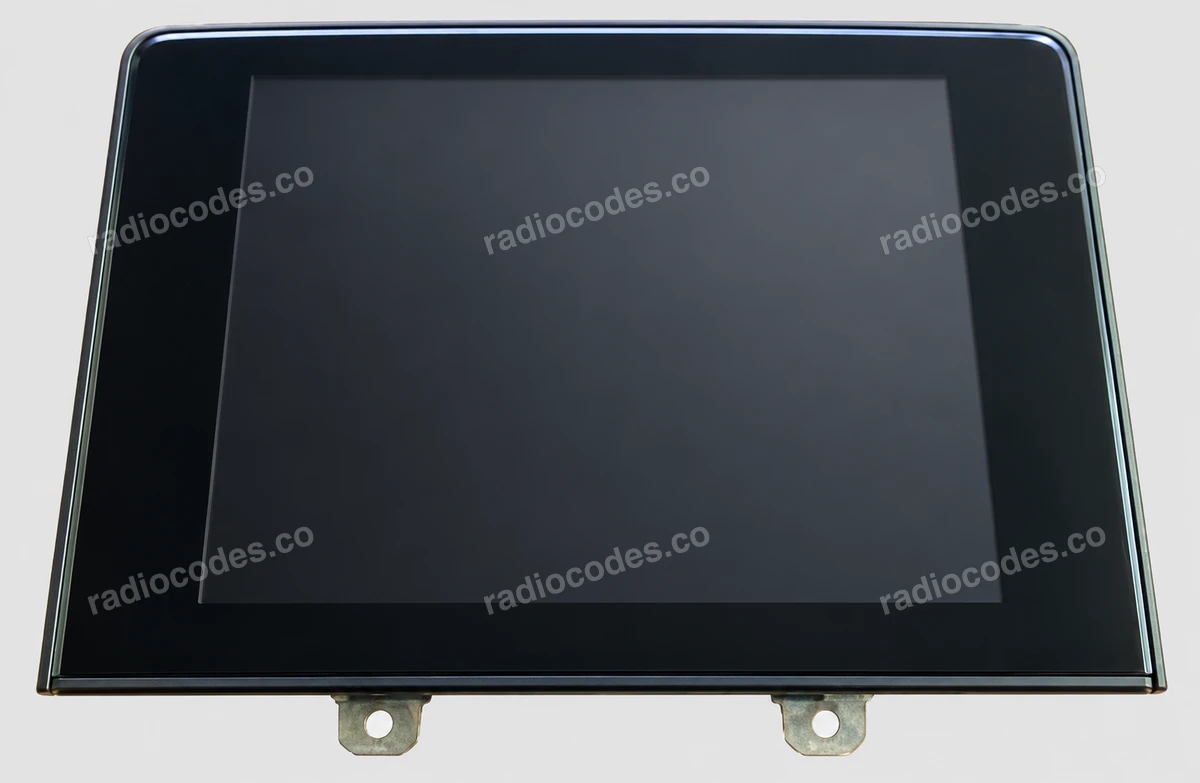
8.4″ touchscreen
- Read the manufacturer and serial on the unit's label. Harman VP4: copy the full T00BE… barcode serial, not the 670… part number.
- Panasonic: enter the 5-digit SERIAL NUMBER, e.g. 00103, and select Panasonic. You can also enter the full string containing 0D591. Keep leading zeros.
- Harman with a short S/N: enter the complete number, e.g. 90145, and select HARMAN. Do not select Panasonic just because the serial has five digits.
The pictured front is a VP4. The newer Harman R1 has a different casing; its label is in the gallery. We check compatibility from the radio details before payment.
How to enter the code
When the screen asks for a code, enter the supplied digits on its keypad. If a Done or OK button appears, use it to confirm. VP4 may accept the code automatically after the last digit.
Blaupunkt / Bosch
- Slide the radio out and read the full BP… or CM… serial from the label or casing stamp. Keep letters and zeros, including the 815 prefix if present.
- For a BP serial, the form identifies the part number automatically. For CM, also enter the label's Part / Device number when that field appears.
M139 versions include BP2385, BP2389, BP2395, BP2396. The additional Fiat and Bosch labels illustrate the data format, not the equipment fitted to every Maserati.
Becker Infotainment
- Slide the radio out. Read the serial number and BE… model from its label or casing. BE7801 is a model number, not a serial.
- Enter the full number beneath the barcode or the 8-character serial. For the shorter serial, also enter the model, e.g. BE7801.
The BE2010 label photo shows the layout on another Becker unit. Use the serial and model from your own radio.
How to enter the code
On a BE7801 showing Enter Key, enter the five code digits in order using the buttons beneath the screen, following the displayed digits. The radio accepts the code after the last digit.
How do I reach the label?
Switch off the radio and ignition. Becker units with removal slots need matching release keys. For built-in systems, remove the appropriate trim and fasteners following your vehicle's instructions. Slide the unit out far enough to read the label; do not pull on the wiring.
How to enter the code into your Maserati 8.4 TOUCH SCREEN VP4 EU
Entering the code is quick and simple: 1. Turn the ignition to the run position. 2. Press the radio's ON/VOL control. 3. The display shows CODE or "Please enter Anti-Theft Code". 4. Enter the 4 digits of your code by pressing the corresponding buttons, one after another. That's it — once the last digit is in, your radio should unlock right away.
How it works
Recover the code for your Maserati 8.4 TOUCH SCREEN VP4 EU radio in three simple steps.
Prepare your radio details
Follow the guide for your radio to find the serial number, VIN or other details requested in the form.
Order your radio code
Enter the required details and your email address. Check your information, then pay securely online.
Receive your code by email
Your code arrives in your inbox. Follow the instructions for your radio to use it and get your music back.
Supported Maserati 8.4 TOUCH SCREEN VP4 EU part numbers
Check the list below for your radio's part number. Supported part numbers: 12.
- 670039932
- 670100904
- 670100914
- 670101195
- 670101197
- 670102527
- 670102580
- 670102582
- 670104161
- 670106293
- 670106655
- 670160417