
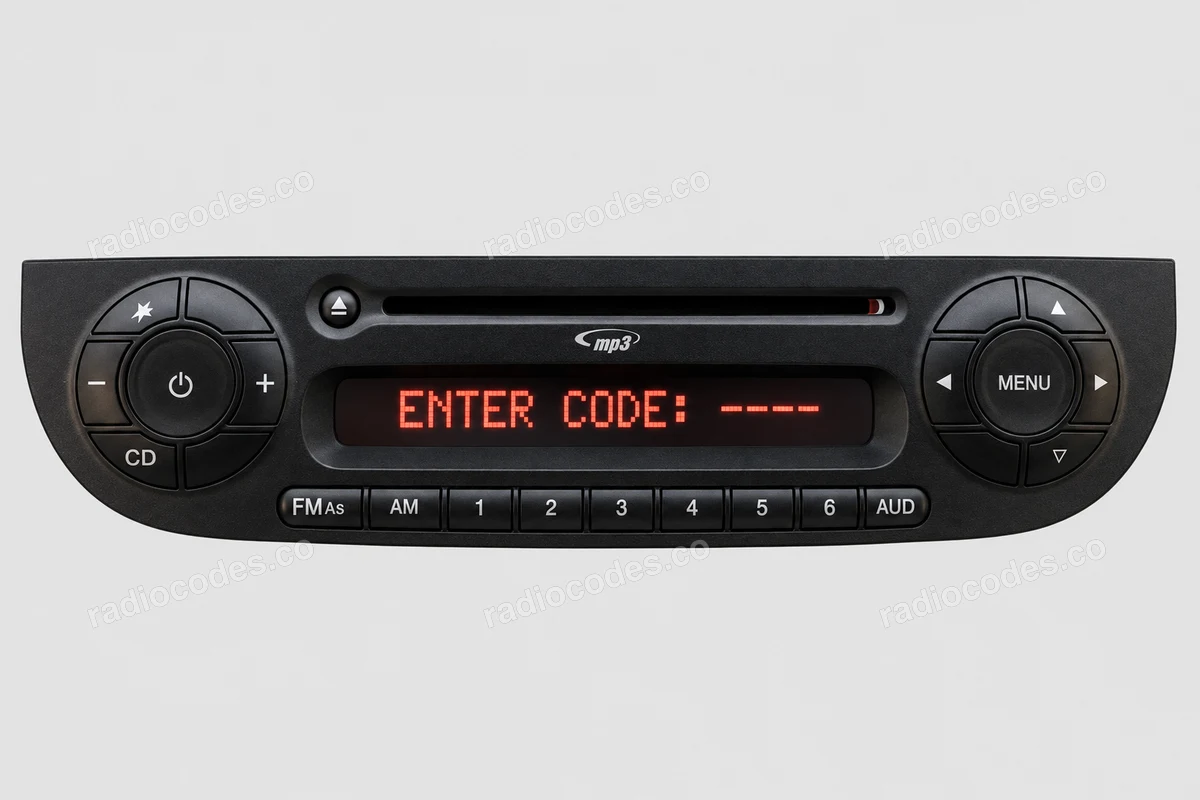
Radio asking for a code after a battery change?
Recover your Alfa Romeo radio code in 3 minutes
Example radio identifiers: Alfa Romeo
Compare the format of your number. Enter the details from your own radio in the form, not these examples. Where can I find my radio’s serial number?
Bosch
CM1232E0794521
815CM7302A9983810
Blaupunkt
BP723346696293
815BP638389524764
Continental
A2C1458550300001501
АЗС023142000100003534
TVPQN2966H0123
Continental Brasil
L096
Daiichi
E1994
07362
Grundig
FA0926T1200576
Becker / Harman
T00BE174690622
BE604558153476
90145
Renault
281155911RTJ345
Y127
Clarion
C70000001234
Visteon / Figo
M117844
ANA008111
Top Power
1023R123456
Panasonic
TM9182500134
How to find your Alfa Romeo radio serial number
Choose your radio or label type. Designs vary, so check the manufacturer's name too.
Blaupunkt / Bosch
- Slide the radio out to see the label on its casing. If the front has four holes, use matching radio removal keys.
- Find the number containing BP or CM, sometimes preceded by 815. It may be on the label or stamped into the metal.
- Copy the full number, including any letters in the middle. The part number starting with 7 is a different identifier.
Harman / Becker
- Slide the radio out and find the Harman or Becker label.
- Copy the serial number from the label. It may start with T00BE or BE; some radios have a short number beside S/N.
- If entering a short number brings up the manufacturer field, select HARMAN.
Continental / Uconnect
- Remove the trim if it covers the radio fixings. Undo the fixings and slide the radio out to reach the casing label.
- Copy the full A2C, A3C, TVPQN or TQN number. Do not replace it with the short S/N or part number.
- If the form asks for the label type, compare the photos and select the large or small label.
For a small label, the next step needs a photo of the code in the corner of the green main circuit board inside the radio. The code on the outside label is not enough.
Daiichi
- Slide the radio out and find the label marked DAIICHI.
- Copy the short number beside Serial No., keeping any leading zeros or letter.
- Enter it in the form and select DAIICHI as the manufacturer.
A short number alone does not identify Daiichi. This form does not support Delphi, A P T I V or Magneti Marelli.
Visteon
- Slide the radio out and find the Visteon label on its casing.
- Read the SERIAL NO. field. The number may start with M or use another combination of letters and digits.
- Enter the full serial number. PART NO. and the model name are different details.
Other radios
- Check the manufacturer and the label on the radio casing. Compare its markings with the photos.
- Beside SECURITY, look for a letter and three digits. This precode can also appear at the end of a long number below a barcode.
- Enter the precode or the full number ending in it. If your radio has a different serial number, enter it in full.
Renault radios are fitted to vehicles including the Fiat Talento. The label precode is used to recover the code. Do not enter it into the radio as a PIN.
Copy your own radio number, including every letter and zero. The numbers shown are examples only.
Alfa Romeo radio code questions
Alfa Romeo radio code — all supported models
How it works
Recover the code for your Alfa Romeo radio in three simple steps.
Prepare your radio details
Follow the guide for your radio to find the serial number, VIN or other details requested in the form.
Order your radio code
Enter the required details and your email address. Check your information, then pay securely online.
Receive your code by email
Your code arrives in your inbox. Follow the instructions for your radio to use it and get your music back.