
Radio asking for a code after a battery change?
Recover your Clarion radio code in 3 steps
Get Radio Code
Example radio identifiers: Clarion
Compare the format of your number. Enter the details from your own radio in the form, not these examples. Where can I find my radio’s serial number?
Clarion
PN2787LA0053384
Part / device / model number: PN-2787L
Clarion
CLJFDI640073629
Clarion
C70000005841
How to find your Clarion radio number
Choose a similar radio. The front helps you recognise it; the number on the casing identifies its version.
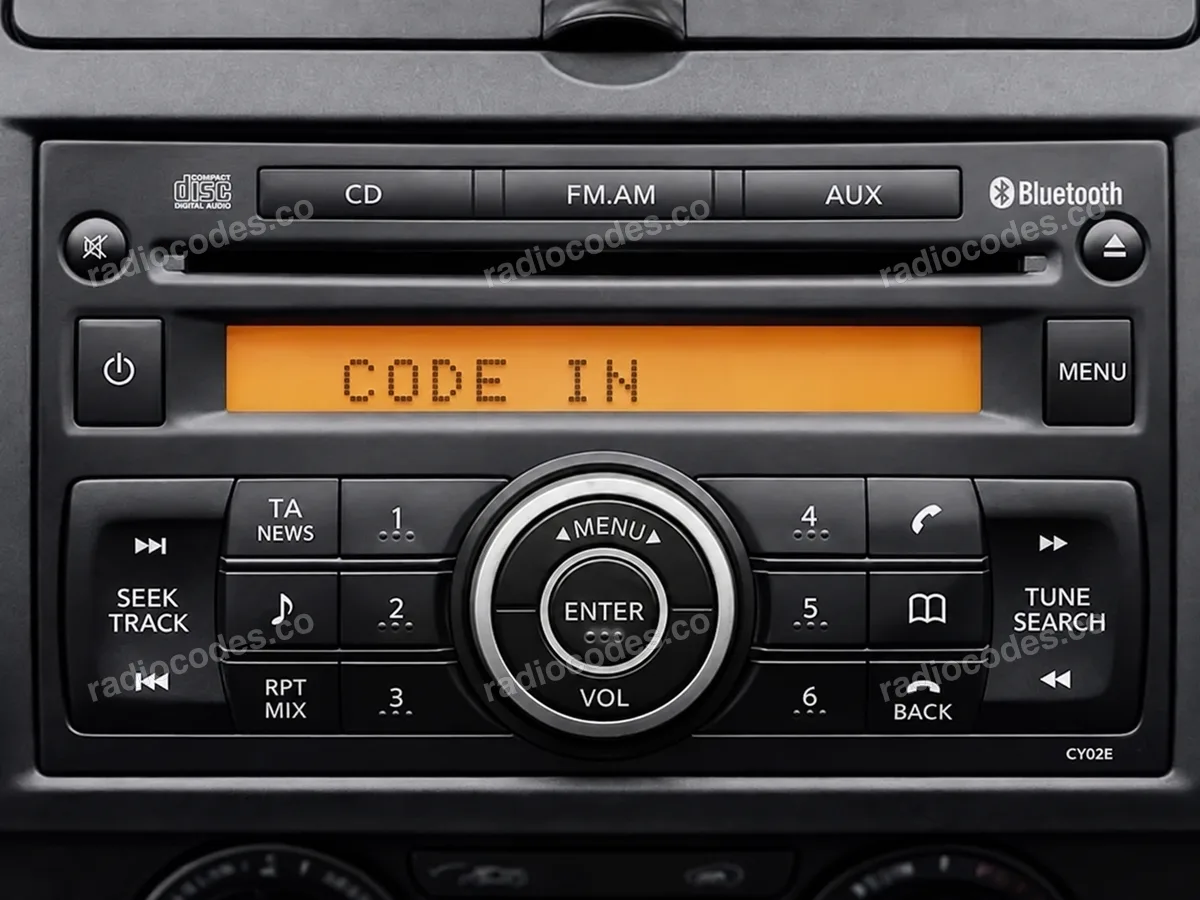
Nissan · CL / PN / PP
- Slide the radio out of the dashboard. Check the label and engraving on the casing, on the side or top.
- Copy the full serial from SERIAL NO., including the letters. If it starts with CL, also enter the model from MODEL NO. on your label, such as PN-2424M.
Serials starting with PN or PP do not need the model; the form recognises them automatically.
How do I enter the code?
Code entry depends on the model. Set the digits as described in your radio manual and confirm the code the way it shows. After incorrect attempts the radio may need a waiting period.
Honda · CL / 400
- Slide the radio out of the dashboard. Check the label and engraving on the casing, on the side or top.
- Copy the full serial starting with CL from the label, or the number starting with 400 shown as S/N on the screen. Keep every letter and zero.
Honda Clarion codes are looked up from the serial, and you may receive several possible codes to try in order.
How do I enter the code?
Code entry depends on the model. Set the digits as described in your radio manual and confirm the code the way it shows. After incorrect attempts the radio may need a waiting period.
Citroën / Peugeot · C7
- Slide the radio out of the dashboard. Check the label and engraving on the casing, on the side or top.
- Look for a separate barcode sticker with a C7000000… number. Enter C7000000 followed by the last four digits; leave out the asterisks.
Other Clarion label numbers on Peugeot and Citroën radios, such as CL0…, are not supported.
How do I enter the code?
On the PU-2294A(C) version showing CODE IN, press the preset button for each code digit in sequence. The radio accepts it after the fourth digit.
How do I slide the radio out?
Switch off the radio and ignition. Use removal keys that fit the slots in the panel. If the radio is screwed in, follow the vehicle manual to remove the trim and undo the screws. Slide it out just far enough to read the label or engraving. Do not pull on the wires.
Clarion radio code: questions and answers
How it works
Recover the code for your Clarion radio in three simple steps.
Prepare your radio details
Follow the guide for your radio to find the serial number, VIN or other details requested in the form.
Order your radio code
Enter the required details and your email address. Check your information, then pay securely online.
Receive your code by email
Your code arrives in your inbox. Follow the instructions for your radio to use it and get your music back.