
Blaupunkt RHODOS CC25 radio code
Get your original Blaupunkt RHODOS CC25 radio code (BLAUPUNKT) online in 3 minutes. Receive your code by email — no dealer visit required.
Get Radio Code
Blaupunkt RHODOS CC25 serial number format
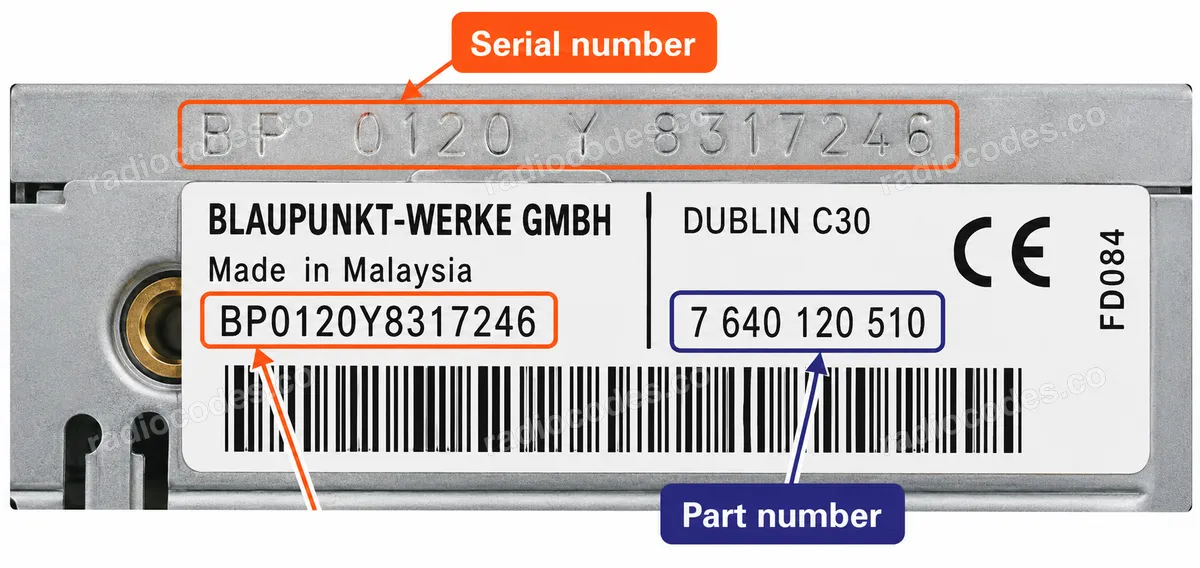
BP661112345678
- Serial number length: 14 characters
- The serial number starts with BP6611
Blaupunkt-built units have a 14-character serial number (letters and digits) printed on the label or engraved on the metal case, for example BP3301Y1234567 or 3A053278005827. The 10-digit part number starting with 7 (e.g. 7 643 301 316) is also required for the calculation, so make sure it matches your unit. On some labels the serial is split into fragments (e.g. "4 9571489 7643063510 4") — combined, this reads as BP306349571489.
How to find your Blaupunkt radio number
Choose a similar radio. The front helps you recognise it; the number on the casing identifies its version.
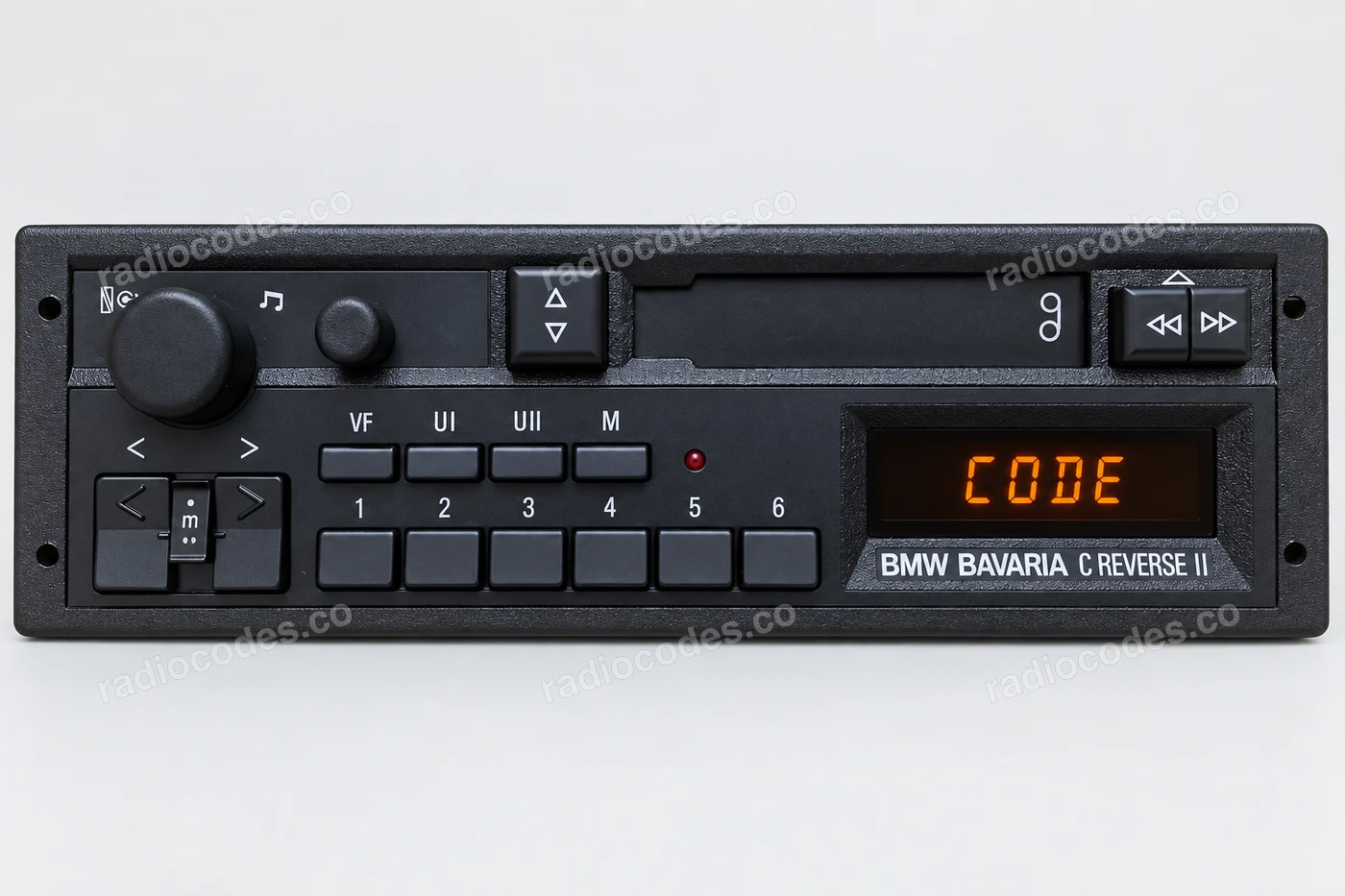
Blaupunkt · BP
- Slide the radio out of the dashboard. Check the label and engraving on the casing, on the side or top.
- Read the complete BP serial, including 815 if it appears before BP. Keep every letter and digit.
- Also find the 10-digit part number starting with 7. An extra field appears after you enter the BP serial.
The part number and serial are separate details. Do not enter only the end of the BP serial.
How do I enter the code?
Code entry depends on the model. Preset-button radios and TravelPilot units use different confirmation controls. Check the full instructions on your model's page.
TravelPilot
- Slide the radio out of the dashboard. Check the label and engraving on the casing, on the side or top.
- Find the BP or C7 number on the label or stamped into the metal. We also accept the shorter 3F number on the casing.
- Enter the full BP, C7 or 3F serial in this form. Do not add the vehicle VIN.
VIN on the PIN entry screen does not mean you can use the vehicle VIN instead of the radio serial.
How do I enter the code?
On the touchscreen shown, enter the PIN using the on-screen keypad and tap OK. Other TravelPilot units may use a knob and buttons instead of a touchscreen.
VW / Audi / Škoda / SEAT
- Slide the radio out of the dashboard. Check the label and engraving on the casing, on the side or top.
- Copy the full number starting with VWZ, AUZ, SKZ or SEZ. The radio manufacturer's logo does not change this prefix.
- Enter the serial in the form above. We will identify the vehicle brand and check code availability.
Availability depends on the serial and radio model. A photo does not mean every version is supported.
How do I enter the code?
Code entry depends on the model. Preset-button radios and TravelPilot units use different confirmation controls. Check the full instructions on your model's page.
How do I slide the radio out?
Switch off the radio and ignition. Use removal keys that fit the slots in the panel. If the radio is screwed in, follow the vehicle manual to remove the trim and undo the screws. Slide it out just far enough to read the label or engraving. Do not pull on the wires.
How it works
Recover the code for your Blaupunkt RHODOS CC25 radio in three simple steps.
Prepare your radio details
Follow the guide for your radio to find the serial number, VIN or other details requested in the form.
Order your radio code
Enter the required details and your email address. Check your information, then pay securely online.
Receive your code by email
Your code arrives in your inbox. Follow the instructions for your radio to use it and get your music back.
Supported Blaupunkt RHODOS CC25 part numbers
Check the list below for your radio's part number. Supported part numbers: 1.
- 7 646 611 010